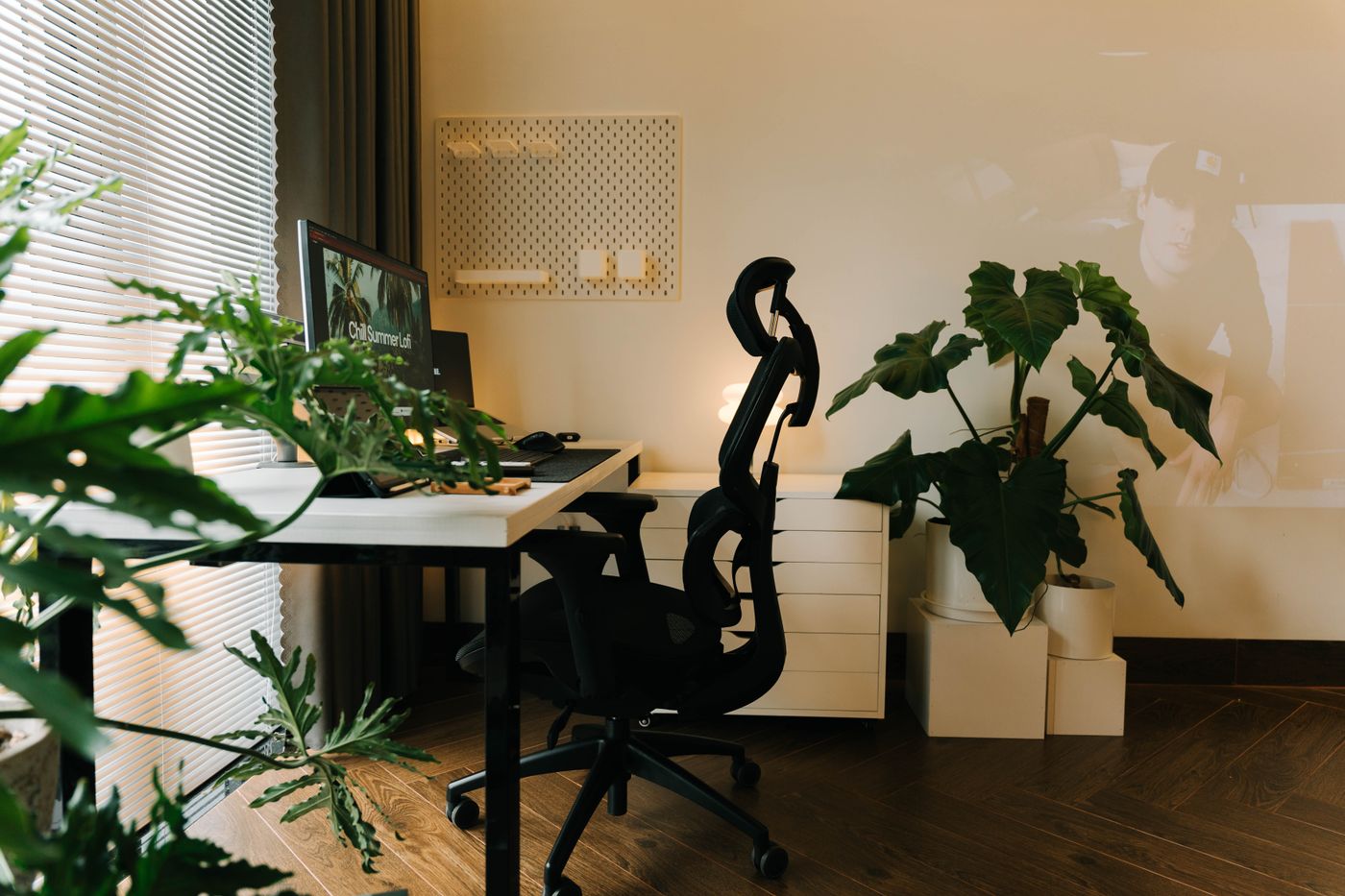
The 30-second answer: Most desk-related lower-back pain comes from five fixable things: a chair with adjustable lumbar support, a screen at eye level (so you stop hunching), feet flat on the floor or a footrest, a slight, supported recline instead of a rigid 90°, and breaking up long sits with standing or walking. Fix those five and the pain usually eases — no $1,000 chair required.
If your lower back aches by mid-afternoon, your desk setup is usually the culprit — and the fix is rarely about spending more. It’s about getting five things right. Here’s each one, in the order that matters most, with a link to the specific gear and guides that solve it.
1. A chair that actually supports your lower back
This is the foundation. The problem with most chairs is fake ergonomics — a fixed foam bump where adjustable lumbar support should be, a seat too deep to sit back in, and a recline that locks bolt-upright. What you want: lumbar support you can position (height and depth), a seat depth that lets you sit fully back, and a recline you can lock slightly back so the chair carries your weight.
→ See our picks in best office chair for lower back pain under $300. Shorter? Most chairs are built for average-to-tall frames — see ergonomic chair for a short person.
2. Screen at eye level (stop the hunch)
A screen that’s too low pulls your head and shoulders forward, and that forward hunch loads the whole spine — including the lower back. The top of your monitor should sit at roughly eye level, about an arm’s length away. It’s one of the cheapest, highest-impact fixes there is.
→ How to measure it and fix it cheaply: correct monitor height. Heavy or multiple screens that won’t stay at height: monitor arm for heavy monitors.
3. Feet flat — or on a footrest
If your feet dangle, you slide forward off the lumbar support and strain the lower back. Lower your seat so your feet are flat and knees are near 90° — and if the desk is too tall to allow that, add a footrest. This is especially common for shorter users.
→ See best under-desk footrest for a short person.
4. A supported recline (not a rigid 90°)
Sitting bolt-upright at a rigid 90° actually loads the lumbar discs hardest. A slight, supported recline (around 100–110°) lets the backrest carry weight your spine would otherwise absorb — provided the recline locks there. If sciatic-nerve pressure is part of your problem, a shaped cushion can offload the tailbone and hips on long sits.
→ See best seat cushion for sciatica.
5. Break up long sits — stand and move
Even a perfect setup hurts if you hold it for eight hours straight. The single best thing for your back is changing position regularly — alternating sitting and standing, and getting a little low-impact movement. A standing desk (or converter) makes that easy, and an anti-fatigue mat makes the standing sustainable.
→ Start with how to choose a standing desk and an anti-fatigue mat. For how much of the day to actually spend upright, see how long to stand at a standing desk. On a budget? See ergonomic home office on a budget.
A sensible order to fix it (and spend)
You don’t need to buy everything at once. In rough priority:
- Raise your screen to eye level — often free (books work) or cheap.
- Get your feet flat — lower the seat or add a footrest.
- Upgrade the chair — the biggest single comfort lever if yours fakes its lumbar support.
- Add sit-stand + a mat — so you’re not locked in one position all day.
- Add a cushion if sciatic pressure persists.
Frequently asked questions
What’s the most important change for lower-back pain at a desk? Usually the chair — specifically, real adjustable lumbar support and a recline you can lock slightly back. But raising your screen to eye level is the cheapest high-impact fix and often comes first.
Is sitting or standing better for back pain? Neither all day — alternating is what helps. Long static sitting loads the lumbar discs; long static standing tires the legs and back. Switching positions regularly is the goal, which is why a standing desk or converter helps.
Will a more expensive chair fix my back? Not necessarily. What matters is adjustability — lumbar height and depth, seat depth, and a lockable recline — not the price tag. Plenty of chairs under $300 have genuine adjustments; plenty of pricey ones don’t.
How high should my monitor be? The top of the screen at roughly eye level, about an arm’s length away, so you’re not tilting your head down. Full details in correct monitor height.
Do seat cushions actually help sciatica? A well-shaped cushion can take pressure off the sciatic nerve and tailbone during long sits, though foam type and shape matter a lot. See best seat cushion for sciatica.
This is general ergonomics information, not medical advice. If your back pain is severe, persistent, or worsening, see a healthcare professional.
The verdict
Desk-related lower-back pain is usually the sum of five fixable things — chair, screen height, feet, recline, and movement. Work through them in order, fix the cheap ones first, and you’ll likely feel the difference long before you’ve spent much. Each link above takes you to the specific gear that solves that piece.