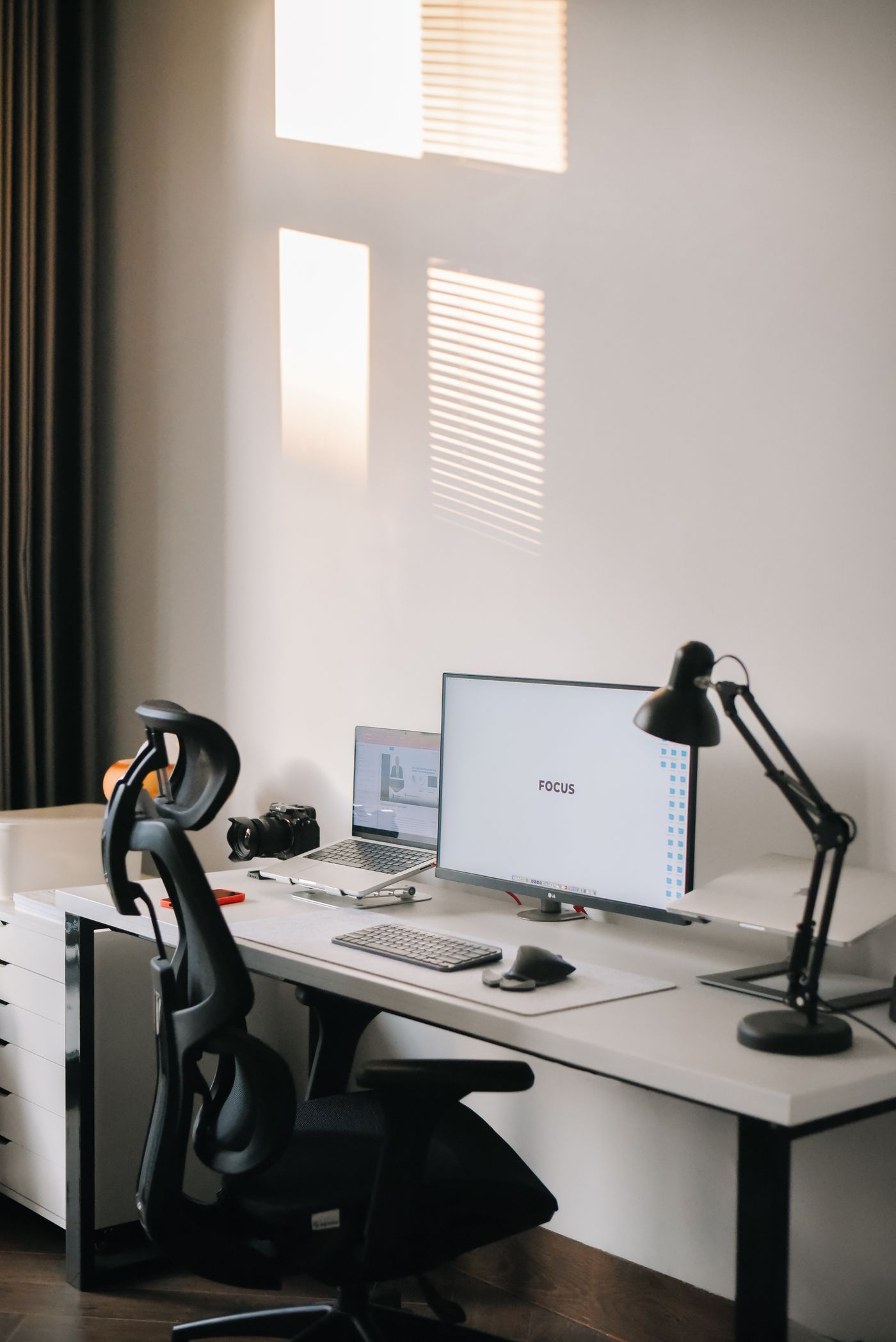
The 30-second answer: Spend on the chair (or fix the one you have) and monitor height first — they drive the most posture benefit per dollar. Save by using a stack of books for monitor height, a cheap footrest, and a keyboard tray instead of premium everything. The order that matters: fix monitor height → support your lower back → get your feet flat → upgrade input devices.
You don’t need a $1,500 battlestation to stop your back and wrists from aching. Most of the ergonomic benefit comes from a handful of cheap fixes done right — and a lot of expensive gear adds comfort, not health. The trick is knowing where your money actually changes how your body feels, and where it just buys aesthetics.
This guide lays out where to spend and where to save to build an ergonomic home office on a budget, with a sensible buying order — based on our analysis of specs and owner-feedback patterns.
Where the ergonomic value actually is
Money matters far more on some items than others:
- Lower-back support (high value). A chair with real lumbar adjustment changes how your spine loads all day. This is the one place to spend — and you can do it under $300; see office chair for lower back pain under $300.
- Monitor height (high value, low cost). Eyes level with the top of the screen prevents neck strain — and a stack of books does it for free. See correct monitor height.
- Feet flat (medium value, low cost). If your feet dangle, a cheap footrest restores posture for very little.
- Input devices (lower value). A neutral wrist position helps, but you don’t need premium gear — a basic ergonomic keyboard/mouse or a wrist rest is plenty.
The budget buying order
Buy in this order and stop when you feel good — you may never need the later items:
- Fix monitor height (free–cheap). Raise the screen so the top is at eye level. Books, a riser, or a monitor arm if you want adjustability.
- Support your lower back (best spend). Upgrade or adjust your chair for real lumbar support. Details in our under-$300 chair guide.
- Get your feet flat (cheap). Lower the chair until elbows meet the desk; if feet dangle, add a footrest.
- Improve input position (optional). A wrist rest or basic ergonomic keyboard/mouse if your wrists complain.
- Add standing later (optional). A converter is the budget route to sit-stand without replacing your desk.
Where to save without losing the benefit
- Monitor height: books or a cheap riser work as well as anything for a fixed setup.
- Standing: a converter on your current desk beats buying a whole new desk — see converter vs full standing desk.
- Input devices: a basic ergonomic keyboard/mouse captures most of the benefit; skip the premium tier.
- Anti-fatigue: if you stand, a mid-range anti-fatigue mat is plenty.
Frequently asked questions
What’s the most important thing for an ergonomic home office? Chair/lumbar support and monitor height. They drive the most posture benefit, and one of them (monitor height) is nearly free. Start there.
Can you have an ergonomic setup on a budget? Yes — most of the benefit comes from cheap fixes (monitor height, feet flat, lumbar support) done correctly. You can build a genuinely healthy setup for a fraction of a “premium” battlestation.
What should I buy first for ergonomics? Fix your monitor height (often free), then your chair’s lower-back support. Those two come first; everything else is refinement.
Do I need an expensive chair? No — you need a chair with real, adjustable lumbar support, which exists under $300. See office chair for lower back pain under $300.
Is a standing desk worth it on a budget? A converter is the budget-friendly way to add standing without replacing your desk. Add it later, after the basics.
The verdict
An ergonomic home office on a budget is about sequence, not splurging: fix monitor height, support your lower back, get your feet flat, then refine. Spend where it changes how your body loads — the chair and screen height — and save everywhere else. Work through the order above and most people feel better long before they’ve spent much.
We analyze specs and owner-feedback patterns, and re-review this guide as new models are released. We never claim to have physically tested gear we haven’t. This isn’t medical advice. Prices and availability are shown live on Amazon via the links above.