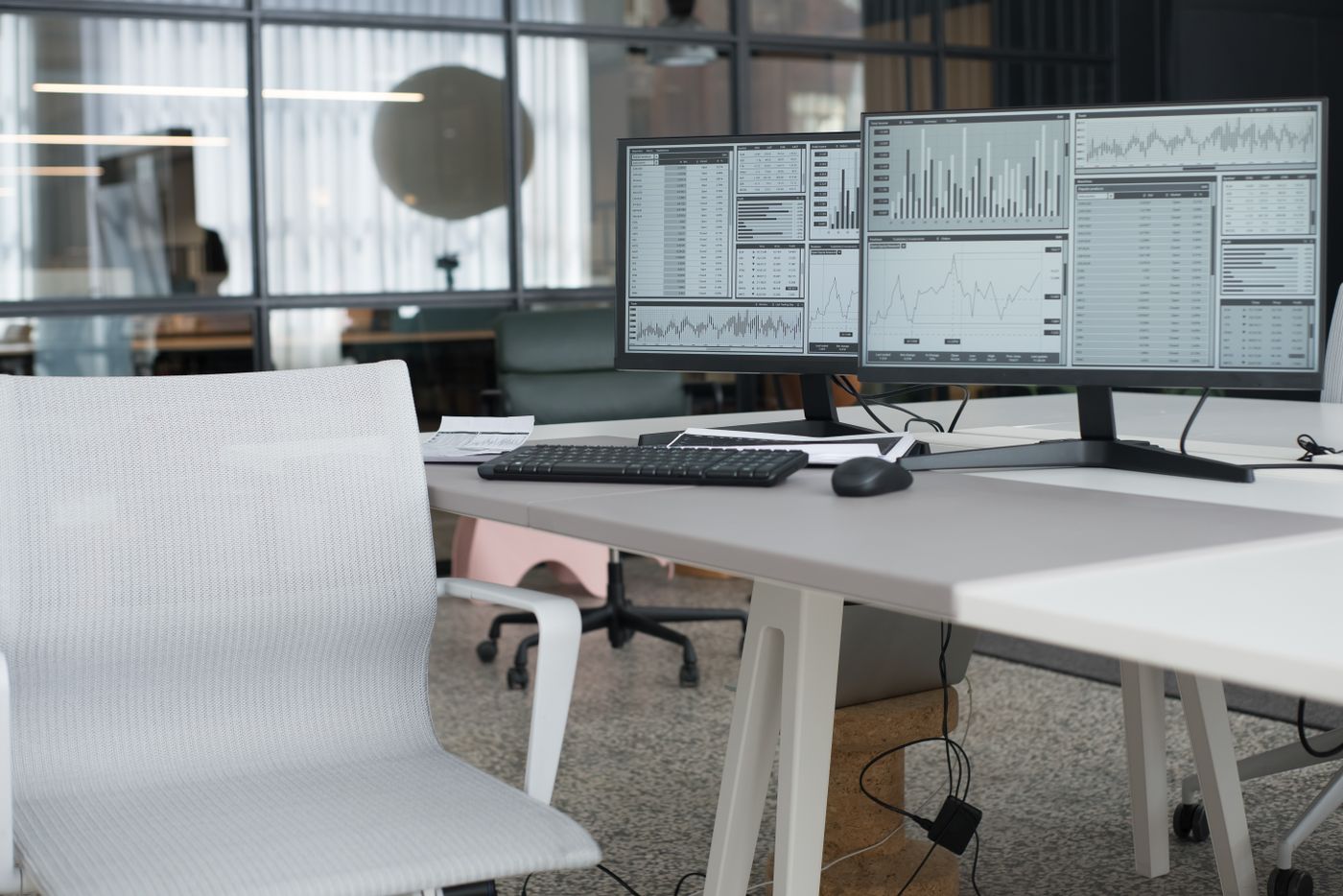
The 30-second answer: For heavy monitors you want a published weight rating with real headroom (aim ~30–50% above your monitor’s weight), a gas-spring (not pure-mechanical) mechanism that holds position without re-tightening, and a clamp + desk thickness rated for the load. Check your screen’s VESA size and weight before anything else — then measure your desk at the edge, because a clamp that doesn’t close around your desktop makes every other spec irrelevant.
A monitor arm that holds a 24-inch panel like a champ will quietly sag, drift, and droop the moment you bolt a 34-inch ultrawide or a 32-inch 4K to it. Weight is where cheap arms fail — the gas spring can’t hold the load at height, so your screen slowly noses down overnight or won’t stay where you put it.
This guide is built around one question: which monitor arms actually hold heavy screens steady? Below are the specs that decide it, a comparison table, and our picks for different setups — based on our analysis of specs and owner-feedback patterns.
Check these two things first
Before comparing arms, confirm two numbers from your monitor’s spec sheet: its VESA mount pattern (commonly 100×100 mm, sometimes 200×100 on larger panels — which needs a wider arm or an adapter plate) and its weight. Then pick an arm rated 30–50% above that weight, so the screen sits well inside the arm’s capacity instead of at the ragged top of it. Those two checks prevent the two most common heavy-monitor mistakes: an arm that won’t physically attach, and one that sags because it’s maxed out.
Why heavy monitors break cheap arms
Three failure modes show up again and again, and every pick below is judged against them:
- Sag and drift. An underpowered gas spring can lift a heavy screen but can’t hold it — so it slowly droops, or won’t stay tilted. Over-spec the weight rating and this disappears.
- Clamp slip / desk damage. A heavy panel on a long arm is a lever. A weak clamp or a desk thinner/thicker than the clamp’s range lets the whole thing tilt or dent the surface.
- VESA mismatch. Big monitors often use 100×100 or 200×100 VESA, and some need an adapter plate. An arm that won’t reach your screen’s pattern is a non-starter.
How we picked
We weighted load-bearing factors over flashy extras: published weight capacity (and whether owners report it holding at the top of the range, not just the middle), gas-spring quality and adjustability, clamp strength and desk-thickness range, VESA compatibility (including 200×100 and adapter availability), and long-term hold (no overnight droop). Marketing claims were ignored unless documented specs and owner reports backed them up.
Quick comparison
| Pick | Best for | |
|---|---|---|
| Ergotron HX · Top Overall | Best for Heavy Monitors Overall | Check → |
| VIVO Heavy-Duty Ultrawide Arm · Best for Ultrawide | Best for Heavy Ultrawides | Check → |
| Ergotron LX Desk Mount Arm · Proven Workhorse | Best for heavier mid-size and ultrawide monitors up to 25 lbs | Check → |
| NB North Bayou G60 · Big-Screen Rated | Best for very large screens (27–45 inches) | Check → |
| Mount-It! Ultrawide Gas Spring Arm · Ultrawide Heavy | Best for heavy curved ultrawide monitors | Check → |
Our picks
Ergotron HX — Best for Heavy Monitors Overall
What earns the top spot is weight headroom — a rating comfortably above what a big 4K panel weighs — paired with a gas spring that holds the screen exactly where you set it instead of nosing down over the day. The clamp range and VESA support are broad enough for most large monitors.
- High weight capacity with real headroom
- Gas spring holds position; no re-tightening
- Broad VESA + desk-thickness range
- Heavier, more involved install
- Premium price
VIVO Heavy-Duty Ultrawide Arm — Best for Heavy Ultrawides
Ultrawides are long levers, so the priority shifts to reach plus a counterbalance that won’t let the far end dip. This pick is built for wide, heavy panels and supports the wider VESA patterns many ultrawides use.
- Handles long, heavy ultrawide panels
- Supports wider VESA patterns
- Smooth tilt/swivel that stays put
- Needs depth behind the desk
- Overkill for standard 24" screens
Ergotron LX Desk Mount Arm — Best for heavier mid-size and ultrawide monitors up to 25 lbs
The Ergotron LX is a long-running single arm rated for 7–25 lbs and screens up to 34 inches, including curved ultrawides, on VESA 75/100. Its constant-force lift is widely praised for holding position without drift, backed by a long warranty. Note that an unusually deep monitor can reduce usable capacity.
- Strong 25 lb rating with smooth constant-force movement
- Fits ultrawides up to 34"
- Long manufacturer warranty
- Heavier/deeper monitors may reduce usable capacity
- Higher price than generic arms
NB North Bayou G60 — Best for very large screens (27–45 inches)
The North Bayou G60 is built for big panels — rated for 27–45-inch screens and an 11–33 lb load on a gas spring — with full-motion tilt, swivel and 360° rotation on a long reach. Its minimum load starts around 11 lbs, so it’s tuned for heavier large monitors rather than light small ones.
- Handles up to 33 lbs and screens to 45"
- Gas-spring full-motion with long reach
- Clamp and grommet mounting
- ~11 lb minimum makes it overkill for small light monitors
- Large arm needs desk clearance
Mount-It! Ultrawide Gas Spring Arm — Best for heavy curved ultrawide monitors
This Mount-It! arm is purpose-built for curved ultrawides from 17–35 inches and rated up to 33 lbs on a gas spring, with VESA 75/100/200 and built-in USB 3.0 and audio passthrough. The wide VESA range and high ceiling make it one of the more accommodating single arms for big curved panels; very light screens may need spring tension dialed down.
- 33 lb capacity with VESA up to 200mm
- Built-in USB 3.0 and audio ports
- Designed around curved ultrawides
- Spring tension can be finicky for lighter screens
- Premium price
Will the clamp actually fit your desk?
This is the step that gets skipped, and it’s the one that sends arms back. A heavy-duty arm is only heavy-duty once it’s attached — and desk clamps have a published thickness range that a lot of desks fall outside of.
Measure the way the clamp sees it
Measure at the back edge of the desk, where the clamp will sit — not in the middle, and not the boxed depth on the spec sheet. Three things decide the fit:
- Edge thickness. A 1-inch worktop on a 3-inch frame is a 3-inch clamp job if the frame runs to the edge.
- Edge shape. A rounded bullnose, a bevel or a thick decorative lip means the clamp jaws only bite on part of the surface. Clamps are rated for flat, parallel surfaces.
- What’s underneath. A back rail, a skirt, a cross-brace, a drawer housing or a cable tray within about 3 inches of the rear edge will block the lower jaw even when the thickness is fine.
Typical clamp ranges
Most desk clamps on full-motion arms accept roughly 0.4 to 2.5 inches at the edge. Two published examples from our picks: the Ergotron HX clamp is specified for surface edges 0.4″–2.6″ (1–6.6 cm), and the Ergotron LX clamp for 0.4″–2.4″ (10–60 mm), with its optional grommet mount rated for surfaces up to 2.25″ (57 mm) thick. Ranges on other arms vary by revision, so confirm the number on the listing for the exact model you’re buying rather than trusting the product family.
If the clamp won’t fit
Four ways out, roughly in order of how well they hold a heavy screen:
- Grommet mount. The strongest fix for a thick or oddly-shaped edge, because the load goes through a hole in the desktop instead of pinching the edge. Needs a hole (or the willingness to drill one), and the grommet post has its own thickness limit — the LX grommet kit, for example, tops out at 2.25″.
- VESA wall mount. Takes the desk out of the equation entirely. Best where the desk is glass, hollow-core, or moves. Needs studs — drywall anchors are not a heavy-monitor solution.
- Extended C-clamp or a longer clamp bolt. Some manufacturers sell a deeper jaw or longer screw for their own arm. Only use the maker’s part; a longer generic bolt changes the clamping geometry and can crack a laminate top.
- Freestanding weighted base. No mounting at all. Fine for lighter panels, but a heavy monitor on a long arm is a lever, so check that the base’s own rating covers your screen — not just the arm’s.
For the opposite problem — a desk that is too thin, glass, or hollow — don’t over-torque the clamp. Use the spacer or backing plate that ships with the arm to spread the load, and treat a hollow-core top as a grommet or wall-mount job.
What to look for (heavy-monitor buyer’s checklist)
- Weight rating ~30–50% above your monitor. A panel at the very top of an arm’s range is the one that sags. Over-spec it.
- Gas-spring mechanism. Holds position across the range without constant re-tightening, unlike pure-mechanical arms.
- Confirm VESA — 100×100 and 200×100. Big monitors vary; check yours and whether an adapter is included.
- Clamp rated for your desk thickness. Measure your desktop; match the clamp range so it grips without slipping or denting.
- Cable management built in. Heavy multi-cable setups look cleaner and move more smoothly when cables are routed through the arm.
Frequently asked questions
How much weight can a monitor arm hold? It varies widely — light arms top out around 15–19 lbs, heavy-duty arms go to ~30–45 lbs or more. Always check the published rating and leave headroom above your monitor’s actual weight.
Why does my monitor arm keep drooping? The gas spring is at or beyond its limit for your screen’s weight, or the tension isn’t set for the load. The real fix is an arm with a higher weight rating, not constant re-tensioning.
Do heavy monitors need a special VESA mount? Not special, but the right one — many large monitors use 100×100, some use 200×100, and a few need an adapter plate. Confirm your monitor’s VESA pattern before buying.
Can one arm hold a 34-inch ultrawide? Yes, if it’s rated for the weight and has the reach. Ultrawides act as long levers, so prioritize a strong counterbalance and adequate reach. See our guide on standing desk converters for dual monitors if you’re weighing arms against a wide surface instead.
What desk thickness do monitor arm clamps fit? Most full-motion desk clamps are rated for roughly 0.4 to 2.5 inches at the edge. Published examples: the Ergotron HX clamp covers 0.4″–2.6″ and the Ergotron LX clamp 0.4″–2.4″. Ranges differ between models and revisions, so check the figure on the listing for the exact arm.
What if my desk is too thick for the monitor arm clamp? Use a grommet mount if you can put a hole through the desktop, a VESA wall mount if you can hit studs, or the manufacturer’s own extended clamp part if they sell one. A weighted freestanding base works for lighter screens. Don’t fit a longer generic bolt to a stock clamp — it changes the clamping geometry and can crack a laminate top.
Can a monitor arm clamp to a desk with a rounded or beveled edge? Often not securely. Clamp jaws are rated for flat, parallel surfaces, so a bullnose or bevel means only part of the jaw makes contact. A grommet mount or wall mount is the reliable answer for a shaped edge.
Will a monitor arm clamp fit a desk with a back rail or drawers? Only if there’s clear flat surface at the rear edge. A rail, skirt, cross-brace or drawer housing within about 3 inches of the back edge blocks the lower jaw even when the thickness is inside the rated range. Measure the clearance before ordering.
Will a heavy monitor on an arm damage my desk? It can if the clamp doesn’t match your desk thickness or the desk is flimsy. Match the clamp range, and on thin or glass desks use the included spacer/backing plate.
The verdict
With heavy monitors, the arm that lasts isn’t the cheapest or the flashiest — it’s the one over-spec’d for weight with a gas spring that actually holds. Confirm your monitor’s weight and VESA pattern, leave headroom on the rating, and match the clamp to your desk. Get those three right and a big screen floats exactly where you want it.
We analyze specs and owner-feedback patterns, and re-review this guide as new models are released. We never claim to have physically tested gear we haven’t. Prices and availability are shown live on Amazon via the links above.