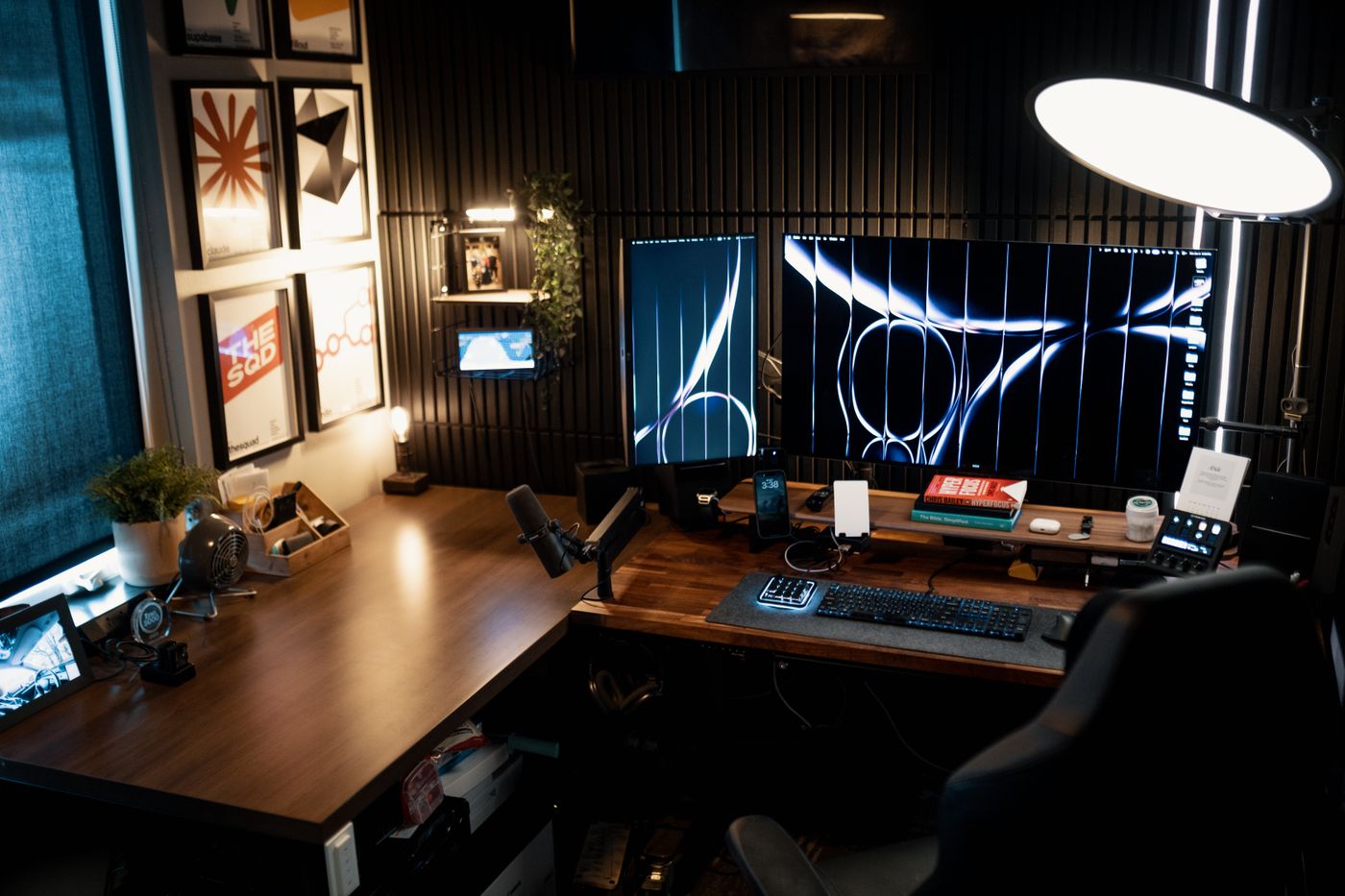
The 30-second answer: For dual monitors you need a wide top (35”+), a high weight capacity (33 lbs+), and a Z-lift or electric mechanism — X-lift “scissor” converters wobble most with two screens up high.
Putting two monitors on a standing desk converter exposes the cheap ones fast. A unit that feels solid with a single screen starts to bounce, sag, or tip backward the moment you add a second monitor and a keyboard tray full of arms. This guide is about the converters that don’t.
Quick comparison
| Pick | Best for | |
|---|---|---|
| FlexiSpot M7MB · Top Overall | Best Dual-Monitor Converter Overall | Check → |
| VIVO K-Series · Best Value | Best Value Dual-Monitor Converter | Check → |
| FlexiSpot EM7 AlcoveRiser · Best Heavy-Duty | Best Heavy-Duty Pick | Check → |
| Vari VariDesk Pro Plus 36 · Stable & Wide | Best for a stable, ready-to-use dual-monitor riser | Check → |
| Ergotron WorkFit-TX · Folds Flat | Best for a low-profile converter that collapses flush | Check → |
What dual monitors demand that single setups don’t
- Width. Two 24”+ monitors plus a keyboard need a top around 35–42” wide. Narrow converters force you to angle screens inward.
- Weight capacity. Two monitors + arms can hit 25–35 lbs before peripherals. Under-spec units sag and get hard to lift.
- Stability at full height. The taller you raise it, the more a weak mechanism wobbles. Z-lift and electric column designs stay steadier than X-lift.
- Depth. Monitor arms need a deep enough rear shelf to clamp to — many converters are too shallow.
How we judged them
We analyzed the specs and owner-feedback patterns that matter for real dual-monitor use: top width and depth, rated and reported real-world weight capacity, wobble at maximum height, and whether the rear edge can take a dual-monitor arm clamp. Spec-sheet “max load” was discounted unless the frame design and owner reports backed it up.
Our picks
FlexiSpot M7MB — Best Dual-Monitor Converter Overall
A wide top, genuine 33 lbs+ capacity, and a stable lift mechanism make this the safe choice for two screens. It stays steady at full standing height and leaves room to clamp a dual-monitor arm at the back.
- Wide, deep top
- High weight capacity
- Minimal wobble raised
- Heavy
- Takes desk depth
VIVO K-Series — Best Value Dual-Monitor Converter
If you want two screens without the premium price, this hits the width and capacity minimums without the flimsiness of bargain units — just expect a little more effort on the lift.
- Meets width + capacity minimums
- Good price
- Manual lift takes effort
- Plainer finish
FlexiSpot EM7 AlcoveRiser — Best Heavy-Duty Pick
For two large or curved panels — or a setup with monitor arms bolted on — step up to the highest capacity and the steadiest mechanism. This one stays planted at full standing height even with a fully loaded top, and its rear edge takes a dual-monitor arm without flexing.
- Highest weight capacity here
- Rock-steady at full height with two big screens
- Sturdy rear edge for arm clamps
- The heaviest, bulkiest option
- Needs real desk depth
Vari VariDesk Pro Plus 36 — Best for a stable, ready-to-use dual-monitor riser
The Pro Plus 36 ships fully assembled with a two-tier layout and a 36-inch upper surface wide enough for two monitors plus peripherals. Its spring-assisted lift has 11 stops, and owners credit the weighted base and steel build for staying planted under two screens. It’s heavy and footprint-hungry, so it suits desks with room.
- Wide upper tier handles two monitors
- Arrives fully assembled
- Weighted base resists wobble
- Heavy and takes significant desk depth
- Premium price for a converter
Ergotron WorkFit-TX — Best for a low-profile converter that collapses flush
The WorkFit-TX folds close to the desk when seated and pairs with Ergotron’s dual-monitor kit so screens float above the surface. Owners highlight its smooth, infinite-height adjustment and Ergotron’s warranty support. The bundled dual kit is rated for two displays up to 24 inches, so check larger panels against that limit.
- Folds nearly flat when seated
- Monitors mount on a separate height-adjustable arm
- Smooth single-action lift
- Dual-monitor kit caps at ~24" screens
- Among the pricier converter options
Should you use a converter or a full desk for dual monitors?
A converter is the right call when you want to keep your current desk and switch to standing cheaply. But two heavy screens are exactly the case where some people are better served by a full electric standing desk — the whole surface sits at the right height and the frame is built for the load. If you’re torn, we break it down in converter vs. full standing desk. And if your desk is on the smaller side, mind the footprint — see converter for a small desk.
Dual-monitor buyer’s checklist
- Top width 35”+ for two monitors plus keyboard.
- Weight capacity 33 lbs+ to cover screens, arms, and peripherals.
- Z-lift or electric mechanism for stability at height.
- Deep rear shelf if you’ll clamp a monitor arm.
- Check collapsed height — it sits on top of your desk, so your seated typing height rises.
- Plan the cable run. Two screens, a hub and power all travel up and down with the deck. Route them before you start using it: cable management for a standing desk.
Frequently asked questions
Can any converter hold two monitors? No — many are rated for a single screen. Two monitors plus arms can exceed cheaper units’ capacity and make them wobble or sag.
Should I use a monitor arm with a converter? It helps — it frees deck space and improves ergonomics — but only if the converter’s rear edge is deep and sturdy enough to clamp to. If your monitors are heavy, pick the arm carefully; see best monitor arm for heavy monitors.
How wide does a converter need to be for two monitors? Around 35–42 inches for two 24”+ screens plus a keyboard. Narrower than that and you’ll have to angle the monitors inward, which defeats a clean side-by-side layout.
Will a dual-monitor converter fit a small desk? Often not comfortably — they’re wide and deep. On a compact desk, check the footprint against your desktop first, and consider our converter for a small desk guide instead.
What monitor height should the screens end up at? The top of each screen should land near eye level when you’re standing tall. A converter raises everything, so re-check it at full height — see correct monitor height.
The verdict
With two monitors, width and a stable lift matter more than any single spec. Hit 35”+ wide, 33 lbs+ capacity, and a Z-lift or electric mechanism and you’ll have a setup that stays rock-steady all the way up. If two heavy screens are pushing the limits of a converter, weigh it against a full standing desk — and whichever you choose, set your monitor height once it’s up.
We analyze specs and owner-feedback patterns, and re-review this guide as new models are released. We never claim to have physically tested gear we haven’t. Prices and availability are shown live on Amazon via the links above.