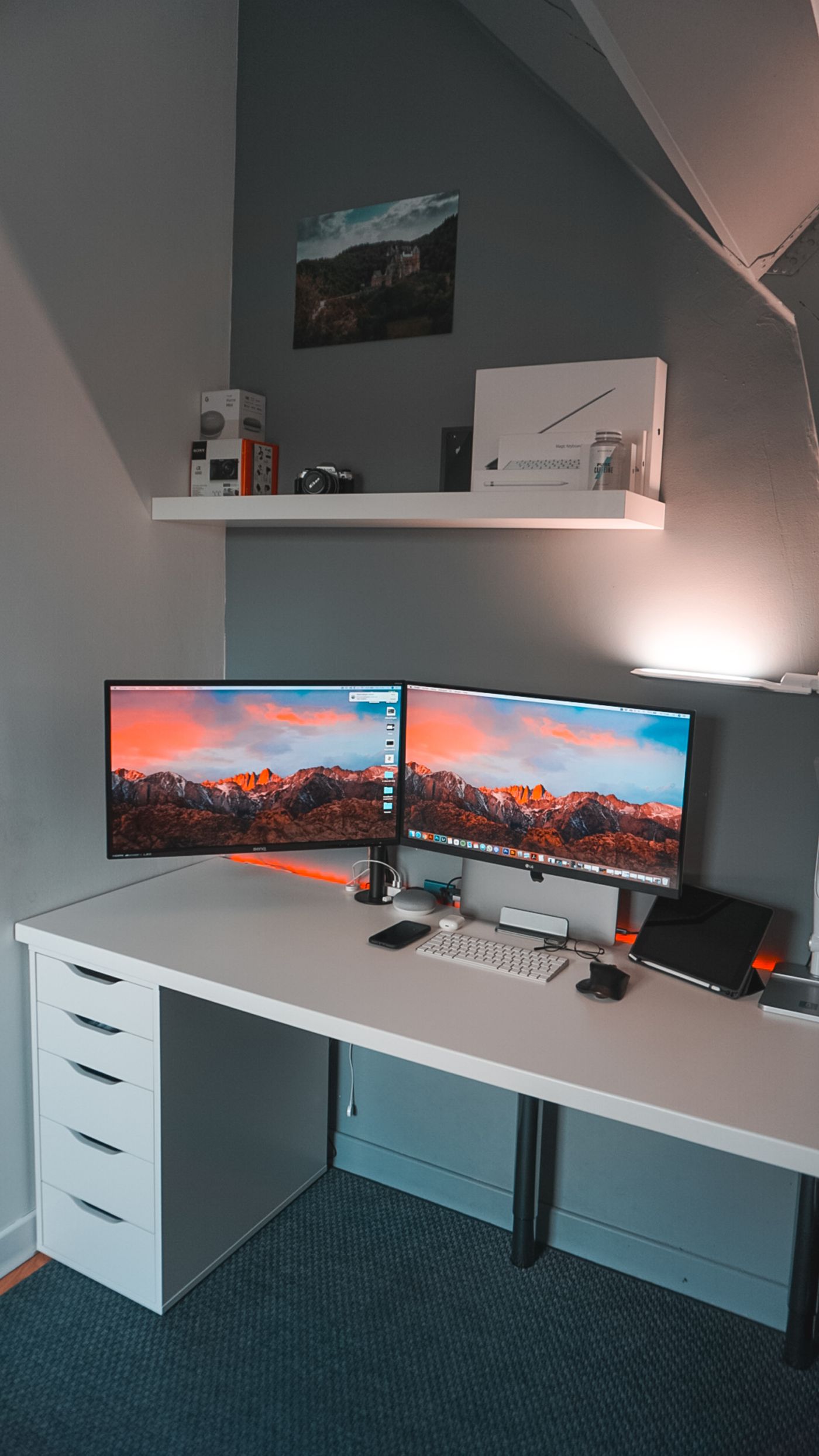
The 30-second answer: Sit up straight, look forward — the top of your screen should be at or just below eye level, the screen about an arm’s length away (~20–28”), and tilted back ~10–20° so your gaze drops slightly to the center. If you wear progressive lenses, go a touch lower. Raise the screen with books, a riser, or a monitor arm.
If your neck aches by the afternoon, your monitor is probably too low. A screen below eye level pulls your head down and forward all day, and that small, constant tilt is what loads your neck and upper back. The fix costs nothing but a few minutes and maybe a stack of books.
This guide covers the simple, correct setup: where your monitor should sit, how to measure it, and the cheapest ways to get there — based on widely accepted ergonomic guidance.
The correct monitor position
The setup rests on three measurements:
- Height — top of screen at eye level. With your head balanced over your spine looking straight ahead, your eyes should land at or just below the top edge of the display. Your gaze then drops slightly to read the center, which is the natural resting eye position.
- Distance — about an arm’s length. Roughly 20–28 inches. Close enough to read comfortably, far enough that you’re not leaning in. Bigger screens sit a little farther back.
- Tilt — back ~10–20°. A slight backward tilt squares the screen to your line of sight so the bottom isn’t angled away from you.
How to measure it in 60 seconds
- Sit back fully in your chair, feet flat, looking straight ahead (don’t pre-adjust your posture for the screen).
- Close your eyes, then open them — where your gaze naturally lands should be near the top third of the screen.
- If you’re looking at the middle or lower, the screen is too low. Raise it until the top edge meets your eye line.
- Reach out — your fingertips should roughly touch the screen at the right distance.
- Tilt the top back slightly until the whole screen faces you evenly.
The cheapest ways to get there
- A stack of books or a ream of paper. Free and infinitely adjustable for a fixed setup.
- A monitor riser. Cheap, tidy, fixed height.
- A monitor arm. Best if you want to fine-tune height, share the desk, or free up surface space — and essential if your monitor is heavy.
- A laptop stand + external keyboard. Laptops force a compromise (screen and keyboard are attached); a stand plus a separate keyboard fixes both at once.
Frequently asked questions
How high should my monitor be? The top of the screen should be at or just below eye level when you sit up and look straight ahead, so your gaze drops slightly to the center. Too low is the common mistake.
Should the monitor be at eye level? The top of the screen should be roughly at eye level — not the center. Your natural resting gaze is slightly downward, so the center sits a bit below your eyes.
How far away should my monitor be? About an arm’s length — roughly 20–28 inches. Larger screens sit a little farther back so you can take in the whole display without moving your head.
What if I use two monitors or a laptop? Apply the same rule to each screen’s primary viewing area; a monitor arm makes matching two screens easy. For laptops, raise the laptop and add an external keyboard. For fitting two screens in a tight room, see best desk for a small space.
I wear progressive/bifocal lenses — does that change things? Yes — many progressive-lens wearers do better with the screen a little lower, so they’re not tipping their head back to find the reading zone. Lower it until you can read without lifting your chin.
The verdict
Correct monitor height is the cheapest ergonomic upgrade there is: top of the screen at eye level, about an arm’s length away, tilted back slightly. Measure it in a minute, raise the screen with books or a monitor arm, and a lot of afternoon neck strain simply goes away. It pairs naturally with the rest of an ergonomic setup on a budget. Screen height is one of five fixes that matter together — see desk setup for lower back pain.
This guide reflects widely accepted ergonomic guidance and our analysis of owner-feedback patterns. It isn’t medical advice — for persistent neck or back pain, consult a clinician. Prices and availability for any gear are shown live on Amazon via the links above.